
Tresor AI changelog
Upload documents, get answers
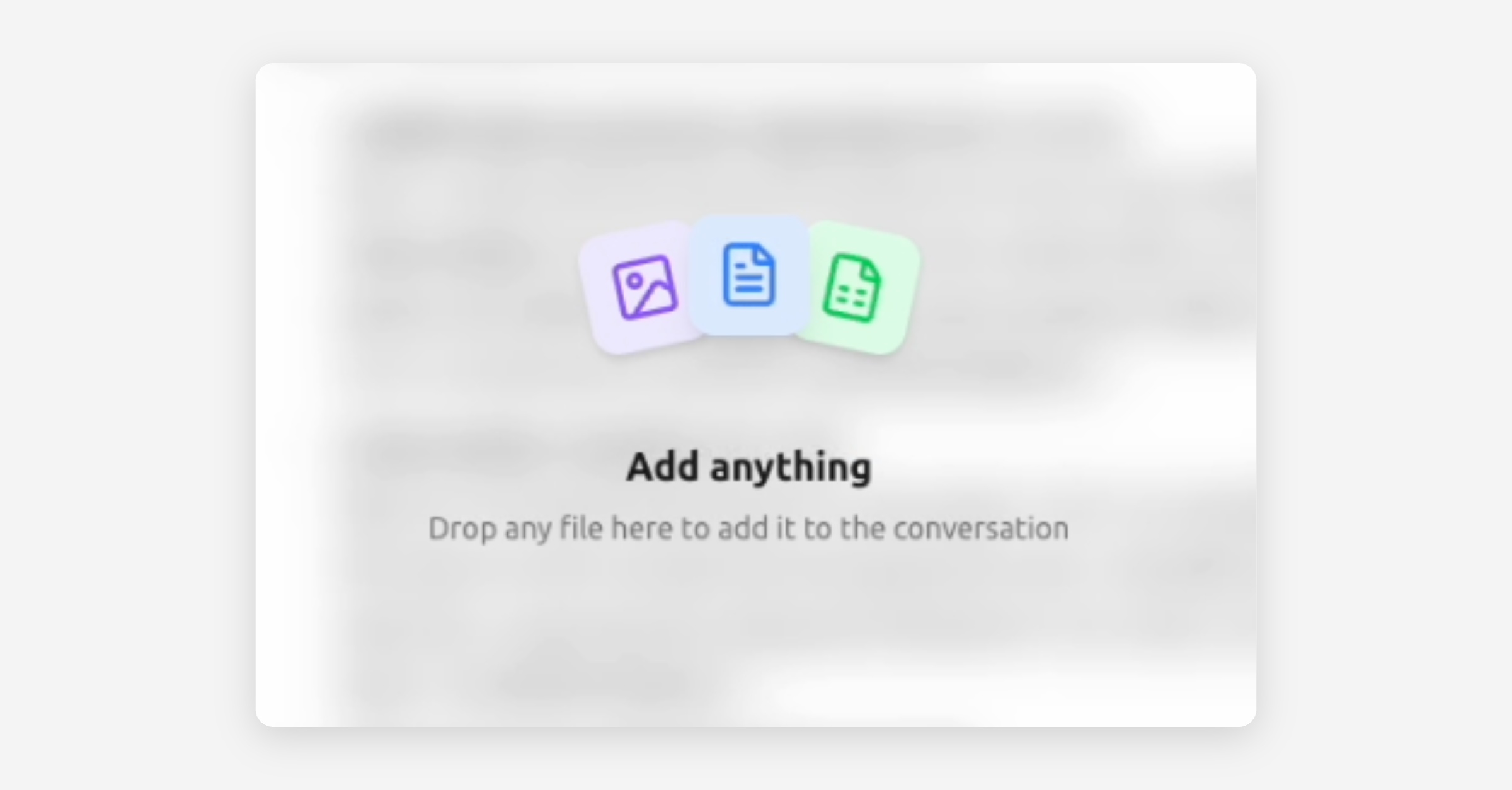
You can now upload documents directly into your conversations. Drop a PDF, Word document, spreadsheet, or any supported file — and ask the AI to summarize, analyze, extract, or transform it.
Your files are encrypted and processed inside the sealed environment. Tresor never sees or stores the contents.
Supported formats
PDF, DOCX, XLS, XLSX, PPTX, CSV, JSON, RTF, ODT, TXT, and HTML.
Also in this update
Prompt templates — Start faster with ready-made templates for common use cases like summarization, translation, and analysis.
Calculator tool — The AI can now do precise arithmetic. No more rounding errors on financial questions.
Web search + file upload in parallel — Upload a document and run a web search in the same conversation, at the same time.
Graceful search cancellation — Cancel a web search mid-flight and still get an answer based on what was already found.
Double-submit prevention — No more accidentally sending the same prompt twice.
🔒 Privacy: Uploaded files are processed ephemerally — they exist only for the duration of your request, then they're gone. Nobody at Tresor can access them at any point.
Upload something and see what the AI makes of it.