
Tresor AI changelog
Search the web, privately
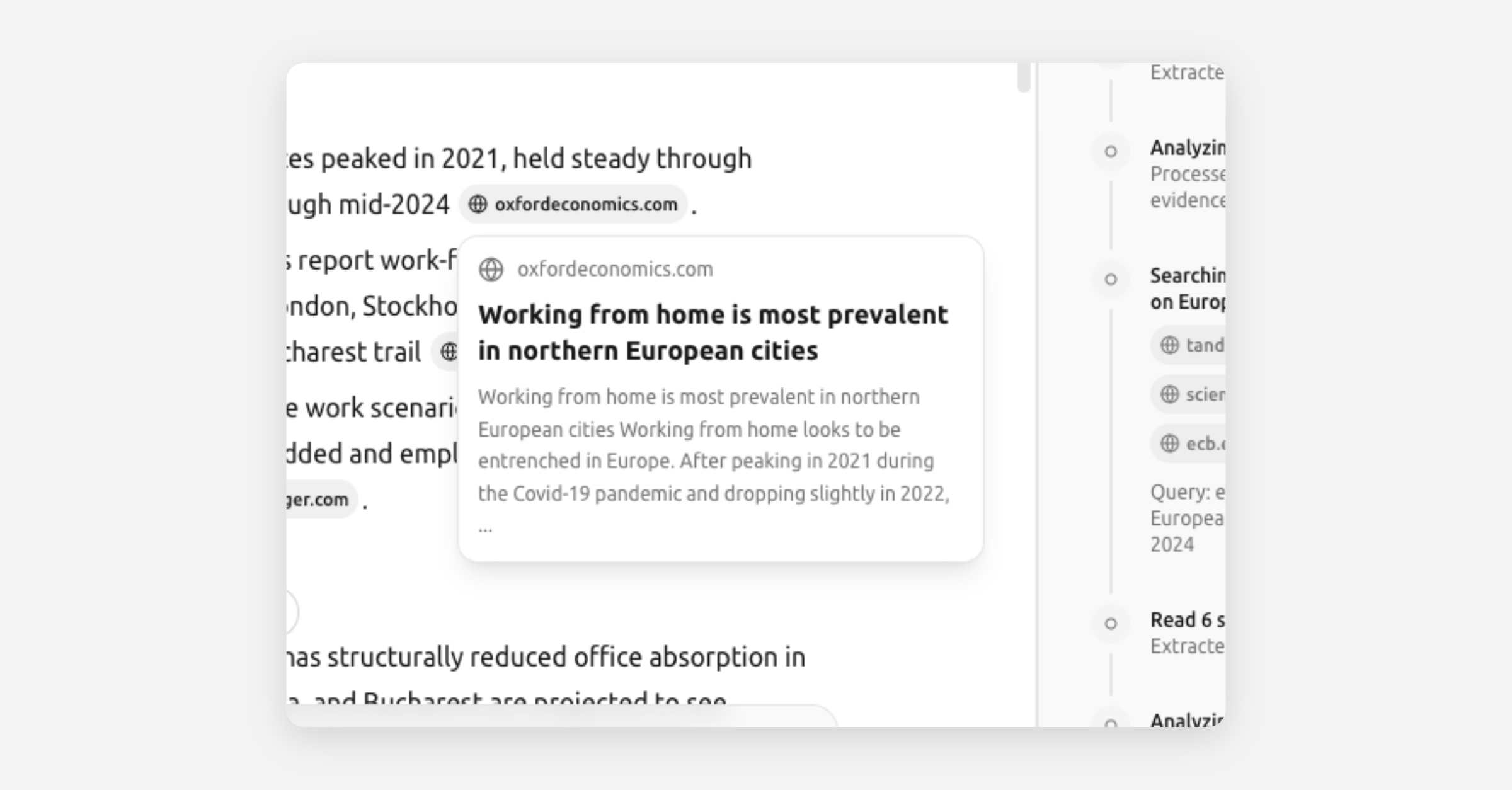
Tresor can now go beyond what the AI model knows. Ask a question that needs current information, and Tresor will search the web, read relevant pages, and synthesize an answer — with sources.
All of this happens inside the sealed environment. The websites you search never know who's asking, and Tresor never sees what you searched for.
How it works
Under the hood, Tresor now runs an agentic orchestrator — a multi-step reasoning loop that can plan, search, read, and reflect before giving you an answer. For straightforward questions, it answers directly. For research tasks, it takes multiple steps automatically.
You can also force a web search by including a search flag in your prompt, or just ask naturally — Tresor will decide when the web can help.
What's new in this release
Web search — Ask anything that needs fresh, real-time information.
Web fetch — Tresor can read and extract content from specific URLs you share.
Source display — See where the AI's information came from, with clickable references.
Math and LaTeX rendering — Equations and formulas now display beautifully.
Improved Thinking Mode feedback — Real-time status indicators show what the AI is doing at each step.
Improved reasoning sidebar — Expanded source cards and better layout for inspecting the AI's thought process.
Improved text layout — Cleaner typography and spacing for long-form answers.
Smarter model selection — Tresor now automatically picks the best model for embedding, planning, reflection, and synthesis behind the scenes.
Chat search and pagination — Find past conversations more easily with search and paginated history in the sidebar.
🔒 Privacy: Web searches run inside the enclave. External sites never learn your identity, and Tresor never sees your queries or results.
This is a big one. Give it a try — ask Tresor something that needs today's information.