
Tresor AI changelog
Thinking Mode is here
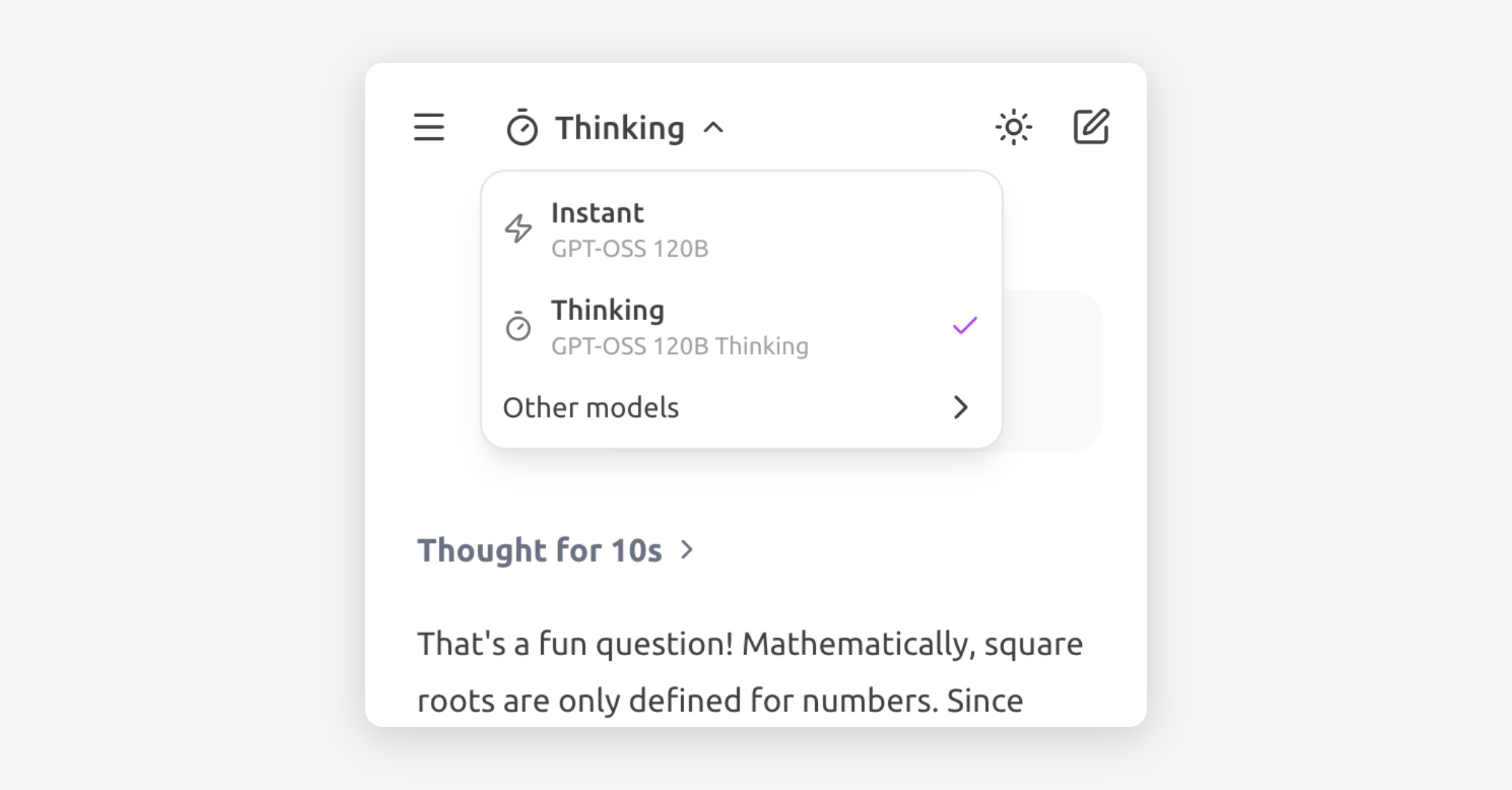
You can now use Thinking Mode in Tresor. This mode lets you choose models that reason through your question before answering. You can see how long the model spends thinking and, if you want, inspect its reasoning process.
For complex or ambiguous requests, Thinking Mode can noticeably improve answer quality and reliability.
To enable it, select Thinking from the model selector in the top left, or choose any model with “thinking” in its name.
Thinking Mode uses a budget-based approach — the model decides how much reasoning a question needs and allocates time accordingly. Simple questions still get fast answers. Complex ones get the deep thought they deserve.
💡 Tip: Try Thinking Mode for legal analysis, financial reasoning, multi-step problems, or any question where getting it right matters more than getting it fast.
Happy reasoning.